
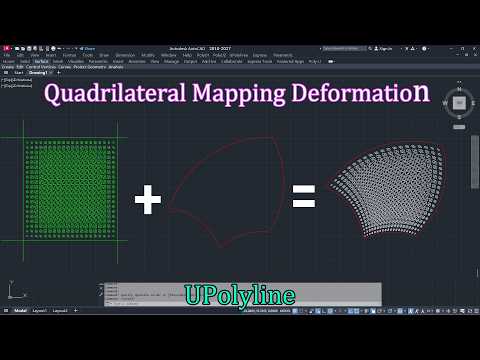
Upolyline 5 Quad mapping deformation
Creative mapping and deformation workflow demo.
Click to play clearly on Youtube @UPolyline.
Selected demos from the numbered UPolyline video series are shown here for quick browsing.
Creative mapping and deformation workflow demo.
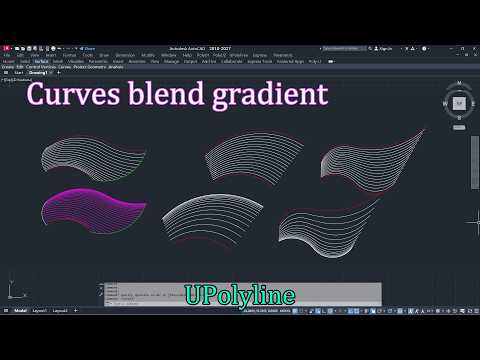
Gradient blending between curves for expressive geometry transitions.
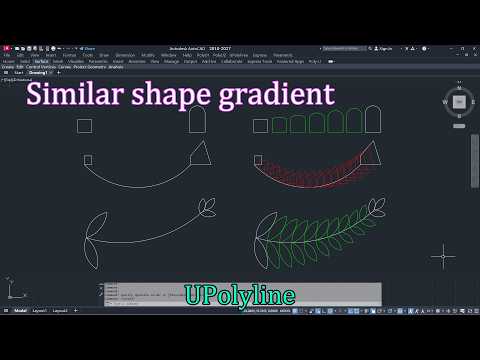
Shape gradient workflow for controlled progressive form change.
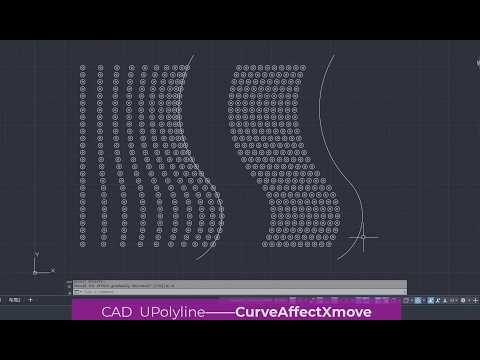
Curve influence movement demo with directional control.

Draw and align objects along curves with fast visual feedback.
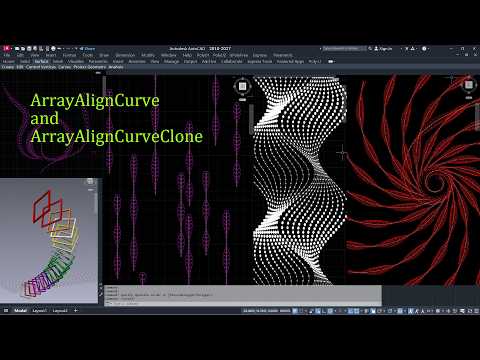
Single-curve array placement for clean repeated layouts.
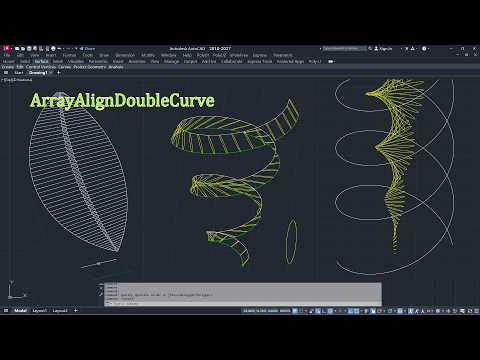
Double-curve array logic for richer spatial arrangement.
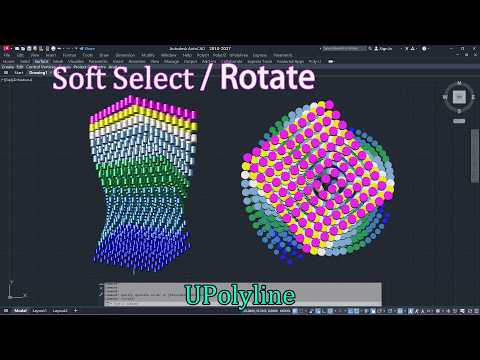
Soft modification for object-level deformation and adjustment.
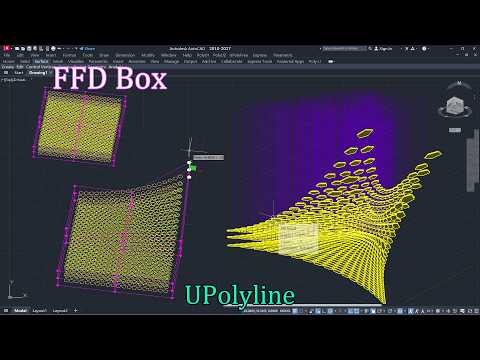
FFD box demo for creative free-form adjustment.
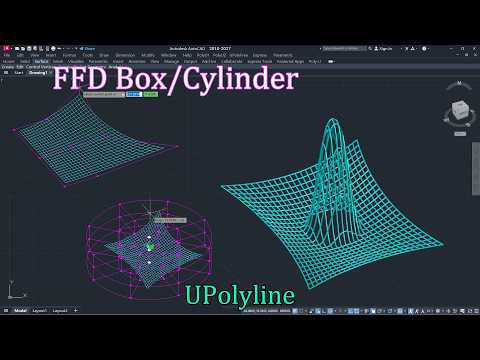
FFD cylinder workflow for smooth cylindrical deformation control.
These demos cover the early numbered sequence, from image vectorization and polyline cleanup to projection, affective curves, and interpolation behavior.
Image Vectorize, raster 2 vector, in AutoCAD
AutoCAD plugin, Polyline optimization
AutoCAD plugin, Upolyline: project curves in 3d space to XY plane
AutoCAD plugin UPolyline : Affective curve . Shape polylines into faster, smarter creative workflows.
AutoCAD Quad mapping deformation
AutoCAD Curves Blend Gradient
AutoCAD Plugin : Upolyline, Similar shape gradient
CAD Interpolation Array
AutoCAD use curve to Affect objects moving along X axis
IN AutoCAD using a closed polyline to affect scaling objects when clicking to make creative design
This block brings together image-driven utilities, batch polyline operations, hatch boundary recovery, and offset-related workflows.
Random or Regular Array in AutoCAD
AutoCAD draw hole net array by image
AutoCAD modify array objects by Image Affect to make creative design
Using images to influence the width or height of curves in AutoCAD to create textured patterns that resemble reliefs
Explore text to polylines
Batch Treat Polylines in AutoCAD: Colse\Open\Width\Reverse
Rebuild Hatch Boundaries
One click creation of graphic outline in AutoCAD
One click batch internal contour multi spacing offset in AutoCAD
One click batch internal or external contour multi spacing offset in AutoCAD
Here the series moves into batch curves, vertical placement, path transforms, random scattering, and multi-target workflows.
Batch convert curves to bar, to solid, to double curves, to outlines.
Insert contours, blocks, etc. along the vertical plane of curves in AutoCAD, and rotate and scale them at the same time
Draw circles, blocks, etc. along batch curves in AutoCAD
The pattern(block\Text\any) is randomly distributed along the curve
In AutoCAD, block arrays are arranged along curves, allowing for changes in size, rotation along curves, and perpendicularity to curves
In AutoCAD, blocks are arranged in an array along two curved guides
In AutoCAD, blocks, circles, triangles, etc. are arranged in an array along three curved guides, and their spacing can be varied
Weave Align Multi Curves
Add hanging lines and other components to the center of batch graphics in AutoCAD
Copy objects to batch snap points in AutoCAD
The later numbered range focuses on alignment, soft modify workflows, selection helpers, free-form deformation, and color-related utility demos.
Numbering along curves in AutoCAD, including various settings
Using soft selection in AutoCAD to produce gradient effects when modifying objects
Soft selection of nodes in AutoCAD produces gradient effects when modifying objects
In AutoCAD, select a template object by clicking on it, and then use it to choose more similar objects
Save or restore selection sets in AutoCAD, or generate random selections, etc
Randomly select within a region or along a curve in AutoCAD, you can specify the selection probability, set the gradient range, etc
In AutoCAD, batch objects can be rotated and scaled around their respective reference points, and can also be randomly moved, rotated, and scaled
Using FFD Box Free Deformation Tool to Deform Objects in AutoCAD
Using FFD Cylinder Free Deformation Tool to Deform Objects in AutoCAD
Align or evenly distribute batch objects in various directions in AutoCAD
Color tools in AutoCAD, including gradient colors, gradient colors along curves, full image whitening, and one click restoration